Bubbles
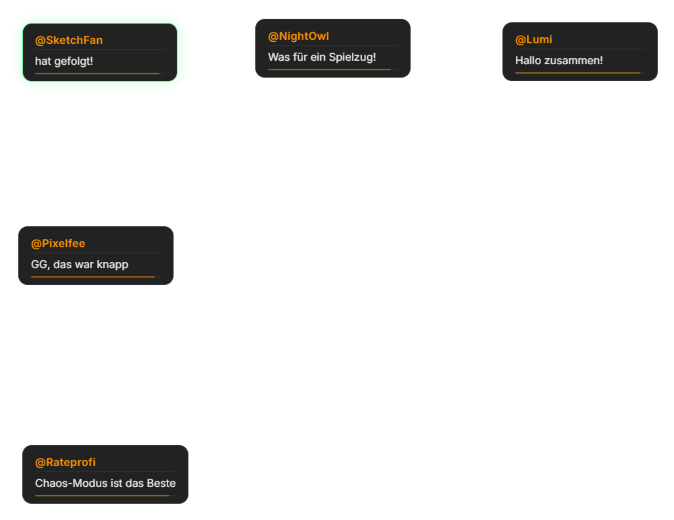
A time-limited effect mode (formerly "Chaos Chat Mode"): chat messages fly across the screen as bubbles — cards with profile picture and text — with particles and screen shake. Duration and intensity are configurable. The regular chat is automatically hidden while it runs, so no extra OBS filter is needed for that. A "Show test bubble" button in the tab turns the mode on if needed and throws a sample message onto the overlay. Unlocked per activation. Via the Automation tab, Bubbles can also be tied to events like raids, donations or bits. Follow, sub and gift-sub bubbles can get their own look (distinct from the normal chat bubble style), and detected keywords in chat can automatically trigger sounds. Since 1.0.15 the bubbles settings save like in all other tabs (no separate save button), "Toggle bubbles" is available as a key for the phone remote and Stream Deck, and the Quick Control shortcut shows the state correctly. New in 1.0.17: keyword sounds now cost the same as `!sound` (cooldown, daily limit, points) and have a 30 s minimum gap per viewer and sound. The TTS probability is configurable (default 25 %), hidden users from the chat tab are respected, deleted messages disappear immediately.
Trigger Manually from the module tab (or "Show test bubble") or tied to an event via the Automation tab.
Last updated: 24 October 2026