Points wheel
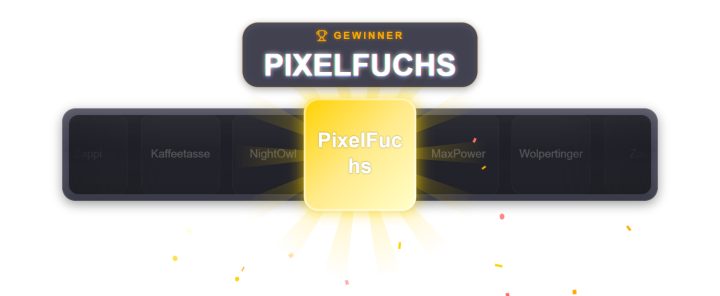
Viewers spend points to spin the wheel (default 20). Segments and prizes are configurable, an optional auto-spin scheduler spins at intervals. Must be enabled in the points-wheel tab. The winner can additionally be announced via TTS (its own toggle), similar to the poll result announcement. Since 1.0.15 common chat bots (Nightbot, StreamElements, Streamlabs, Moobot, Fossabot …) and the streamer no longer count as active viewers. Chat activity counts even without the chat overlay enabled. New in 1.0.19: Completely redrawn. New style “Wheel of fortune (round)” next to the strip: colorful or design-matched segments, images/avatars in the segments, a rim with chasing lights and a clicking pointer; preset “Classic wheel of fortune”. Each option can get a weight (1–100) – on the round wheel the segment is wider accordingly. New fine-tuning (style, effects off/normal/high, segment colors, diameter, rim lights), a bigger winner moment and adjustable winner display time. The wheel sounds from the sound section (start, tick, win) now work; without an assignment there are built-in sounds. The wheel follows the Positions tab including size and scenes. Since 1.0.24: the latest winners sit out the next spin (setting “Skip recent winners”, default 1). `!wheel` has a per-viewer cooldown (default 120 s, 0 = off); chat message, TTS and wheel labels use the display name.
Trigger Chat command !wheel (costs viewer points) or "Spin now" in the tab.
Last updated: 7 November 2026