Donation alerts
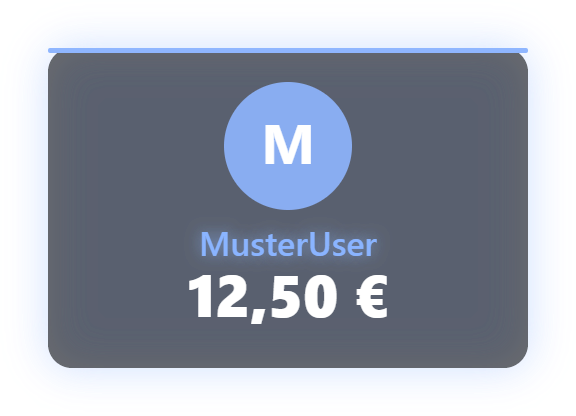
Shows incoming support: plain, as flying banknotes, or with the mascot. Amount tiers with their own sounds and images, theme presets and drag-and-drop for notes/sounds are set in the tab. Each amount tier can also have its own announcement text (for the TTS read-out), and in the "bills" display style the amount is printed directly on each flying bill. New in 1.0.15 ("Bits & messages" group): "Show bits as donation" (on by default) and "Minimum bits for an alert" (default 100) – smaller cheers are credited and count toward goals but do not trigger an alert. "Filter donor messages" (on by default) hides messages with links or words from the word filter and does not read them aloud. Donations in foreign currencies (YouTube Super Chats and Stickers, StreamElements) are converted to euros using a bundled rate table (approximate values, no internet lookup) – for alerts, goals, hype train, top donors and statistics. For N gifted subs only the gift event counts, not N additional single subs. New in 1.0.17: custom announcement templates for subs ({{username}}, {{tier}}, {{months}}) and gifted subs ({{username}}, {{count}}, {{tier}}, {{recipient}}). Community gifts now show “X gifted 20 subs!”, YouTube membership gifts are no longer counted twice. New in 1.0.22: Bits are shown as "500 Bits" instead of a euro amount and count towards goals and leaderboards with their real value. Donations in a foreign currency show the original amount ("$10") – in the alert, AI designs, event bubbles, end screen and announcement. Announcement templates have the new placeholder {{amountText}} for this; {{amount}} stays the euro number. Donation, sub and gift-sub alerts now follow the font and colours of the chosen design (e.g. a serif font with "Paper", a mono font with "Hacker Terminal"), and names that are too long shrink to the card width instead of overflowing. Since 1.0.24: donation alerts no longer read the announcement and message twice; unsaved changes to donation tiers survive image uploads, deleting a tier or switching the appearance. StreamElements test donations show the alert but don’t count as real donations; duplicate events are shown once.
Trigger Automatic on donation / bits / SuperChat / (gift) sub.
Requirements
- Platform connection (Twitch, YouTube) or Ko-fi webhook relay set up.
Step by step
- Choose display mode in tab: Plain, Flying Banknotes, or Mascot.
- Configure amount tiers: e.g. Tier 1 from €1 (standard sound), Tier 2 from €10 (custom sound + mascot cheer).
- Flying Banknotes: Upload custom note textures via drag & drop.
- Enable TTS coupling: Set minimum amount (e.g. €2) for auto TTS read-out of donation messages.
- Capture the overlay window in OBS as a Window Capture (one-time, see "Setting up OBS") — the alert appears in it automatically.
If it doesn't work
- Donations not arriving: For Ko-fi check webhook URL and verification token in settings.
- Small cheers show no alert: since 1.0.15 there is a minimum of 100 bits; adjustable in the Donations tab under "Bits & messages".
Last updated: 7 November 2026